

Key takeaways:
- A custom email domain helps your business look more professional and trustworthy by using your brand’s domain name instead of a generic email provider.
- Custom email domains let you create branded email addresses tied to your website, giving you greater control over security, organization, and communication.
- Setting up a custom email domain involves choosing a domain, selecting an email hosting provider, and connecting the two through simple DNS settings.
An average person receives multiple emails a day, and many of those end up being reported as spam or deleted. Having a custom email domain name for your business helps you avoid such situations.
In this blog, you’ll get a better understanding of what a custom email domain name is, why it’s beneficial for your business, and how you can get one with Domain.com.
What is a custom email domain name?
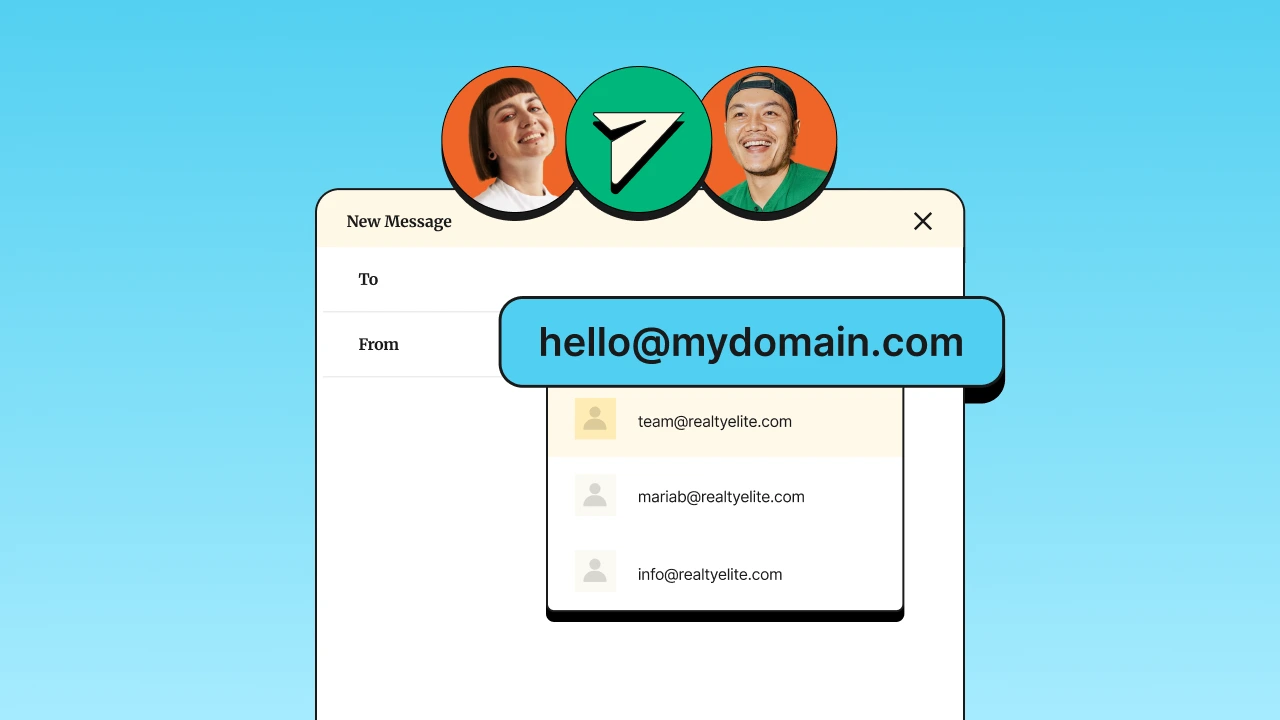
An email domain is the web address next to the “@” symbol in an email address (e.g., the “gmail” in @gmail.com). A custom email domain allows you to use the existing domain name of your website instead of a generic email provider domain.
For example, you can use [email protected] instead of [email protected].
What’s the difference between an email address and an email domain?
An email address is the complete identifier used in sending and receiving email messages. On the other hand, an email domain indicates the server that manages the email accounts for that domain.
For example, [email protected] is your complete email address. The “yourbrand.com” after the @ symbol is your custom email domain, indicating that the email account is linked to your brand’s website.
Benefits of getting a custom email domain name
Custom email domains can have a significant impact on businesses of different sizes. Here are some of its significant benefits:
- Credibility: You need a professional email address to enhance your credibility with customers. It reinforces the idea that you’ve invested in your brand and are taking your business seriously.
- Control: A custom email domain gives you better control over your email accounts. You can implement your own security measures (e.g., advanced filters) to catch spam and protect against attacks.
- Communication: Keeping a consistent look across all your business channels helps your emails reach your customers’ inboxes and builds trust through reliable communication. It also makes your business appear more professional and well-established, doubling as a subtle marketing tool.
- Identity: Every time you send an email from a custom domain, you reinforce your brand. An address like [email protected] makes it easy for your clients to recognize and remember you. This consistent branding helps strengthen your business identity and makes sure your emails stand out in your clients’ inboxes.
Step-by-step guide on how to get a custom email domain name
Setting up a custom email domain can enhance your professionalism and streamline your communication. The steps below are based on Domain.com, and processes may vary per domain registrar and email service provider:
Step 1: Choose a domain name provider
A domain name provider, also known as a domain registrar, is a company that allows you to register and manage domain names. To choose a provider, consider factors such as:
- Reputation: Look for providers with positive reviews and a reliable track record.
- Pricing: Compare the cost of domain registration and renewal fees.
- Features: Check if they offer additional services like domain privacy protection or DNS management tools.
You can use our domain search tool to find and register your desired domain name.
Step 2: Register your domain name
After selecting your domain name provider, you’ll need to register your domain:
- Use the domain name generator to come up with ideas and check if your desired domain name is available.
- If it’s taken, you may need to consider alternative names or variations.
- You’ll also see recommendations for alternative domain extensions (e.g., .net, .info, etc.) that you can add to your cart.
- Select your preferred domain name(s) to have them added to your cart. Then, click Continue.
- Consider keeping ‘Add Domain Privacy + Protection’ ticked so you get enhanced privacy and security. It’s usually free for the first month.
- Review the items in your cart and add recommended services as you prefer. Then, click Continue to checkout.
- Fill in your contact and payment information. Then, click Submit payment.
- Some registrars offer domain privacy services to keep your personal details confidential.
- Finalize your purchase by paying for the domain. Most domains are registered on an annual basis, so you’ll need to renew your registration each year.
Step 3: Choose an email hosting provider
An email hosting provider is a service that enables you to create and manage email addresses using your custom domain. Consider these factors when selecting a provider:
- Features: Look for features like email storage, security options, and integration with other productivity tools.
- Pricing: Compare the cost of different plans based on the number of users and storage needs.
- Support: Ensure the provider offers reliable customer support if you need assistance.
Step 4: Link your domain with your email hosting provider
To use your custom domain with your email hosting provider, you need to configure the domain name system (DNS) settings:
- Log in to your domain registrar account.
- Locate the DNS management section where you can configure the email hosting settings.
- In the Domain.com / Network Solutions dashboard, it’s in the ‘Professional Email’ module on the left sidebar menu.
- Add the specific Mail Exchange (MX) records provided by email hosting provider.
- These records direct email traffic to your email host.
- Some email providers require you to verify your domain ownership. This is typically done by adding a TXT record or a CNAME record to your DNS settings.
Note: DNS changes can take up to 48 hours to propagate across the internet. During this period, email may not be delivered immediately.
Step 5: Configure your email settings
Once your domain is linked to your email hosting provider, you need to set up your email accounts:
- Use the email hosting provider’s dashboard to create custom email addresses (e.g., [email protected]).
- Follow the provider’s setup instructions to configure your email settings, including creating passwords and setting up email forwarding if needed.
- If you use an email client (such as Outlook or Apple Mail), configure it using the settings for incoming and outgoing mail servers.
Step 6: Set up email clients and apps
To access your new custom email address on various devices, you need to configure your email clients:
- Add your email account to desktop or mobile email clients using the settings provided by your email hosting provider.
- Ensure that your email settings are configured to sync your messages, contacts, and calendar events across devices.
- If you encounter issues, refer to your email provider’s support resources or contact their customer service for assistance.
Tips for choosing the perfect personalized email domain
Choosing a personalized email domain is an important step in establishing a professional and recognizable online presence. Consider these tips to help you choose your email domain:
- Keep it simple and memorable
- Reflect your brand
- Choose the right domain extension
- Consider future growth
- Verify availability across platforms
- Test it out
Keep it simple and memorable
Choose a domain name that is short and easy to remember. A simple name helps people recall it easily and reduces the chances of mistakes when they type it. The goal is to make your domain easy to use and remember.
Reflect your brand
Your email domain should match your business name or brand. This helps people recognize your business immediately and gives a professional impression. A domain that aligns with your brand makes it clear who the email is from.
Choose the right domain extension
The part of the domain name that comes after the dot (like .com, .net, or .org) matters. .com is the most common and trusted, but other options might also work depending on your business. Select an extension that fits well with your brand and is suitable for your audience.
Consider future growth
Think about how your business might change or grow. Choose a domain name that remains appropriate as your business evolves. Avoid overly specific names, as they might not fit if your business expands in different directions.
Verify availability across platforms
Ensure that your chosen domain name is available not only for your website but also on social media and other online platforms. Consistent naming helps people find and recognize your business more easily.
Test it out
Before finalizing your domain, ask others for their opinion. This feedback can help you understand if the domain works well and is easy to use. Testing with friends or colleagues provides valuable insights.
Frequently asked questions
The cost varies among different web hosting providers. Domain.com offers competitive pricing for both domain registration and Google Workspace integration.
Yes, you can use your existing domain with Google Workspace by following the setup instructions provided to verify and configure it.
Google Workspace offers robust security features, including spam protection, phishing detection, and data encryption.
Yes, Google Workspace offers tools to help you migrate your existing emails from other providers. Domain.com’s support team can assist you with the migration process.
A free Google email account provides basic email and productivity tools, which are great for personal use. A Google Workspace account is for businesses and organizations. It offers pro features and advanced collaboration tools.
Choose Domain.com as your domain registrar
Now that you have an idea of how to snag a custom email address, make sure to register your domain with your domain registrar to ensure a smooth setup.
For a hassle-free experience and great deals, consider using Domain.com. On top of affordable domain registration and seamless integration with email hosting, you’ll also benefit from reliable support and essential features designed to meet your needs.